
One Workflowone job, scoped in writing
- 1–2 weekstypical, once the scope is agreed
- Testedon sample data, with you
- 30 daysof fixes after go-live
£199 one-offoptional monitoring £29 a month
scope fixed in writing first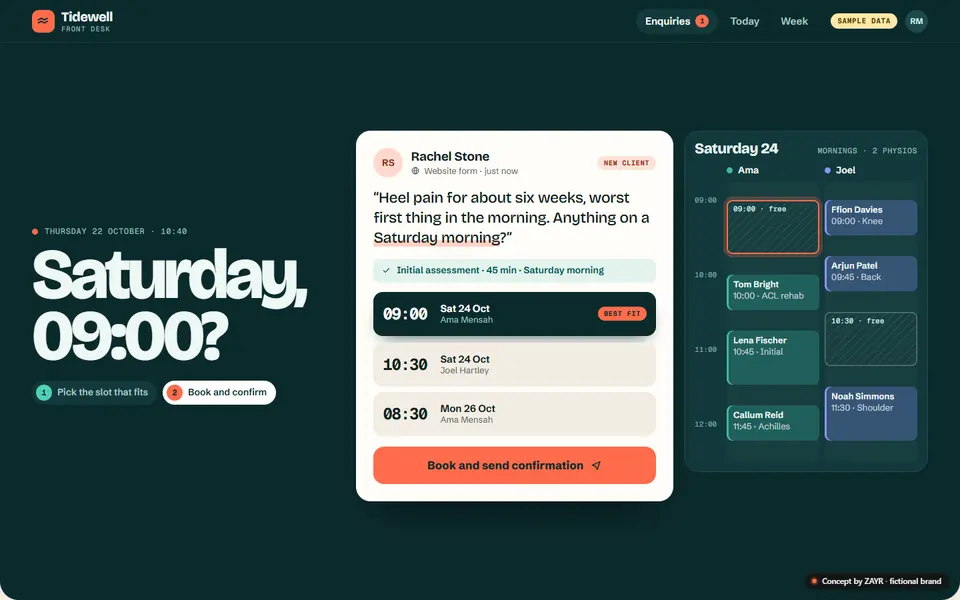
ConceptTidewell Front Desk · sample data
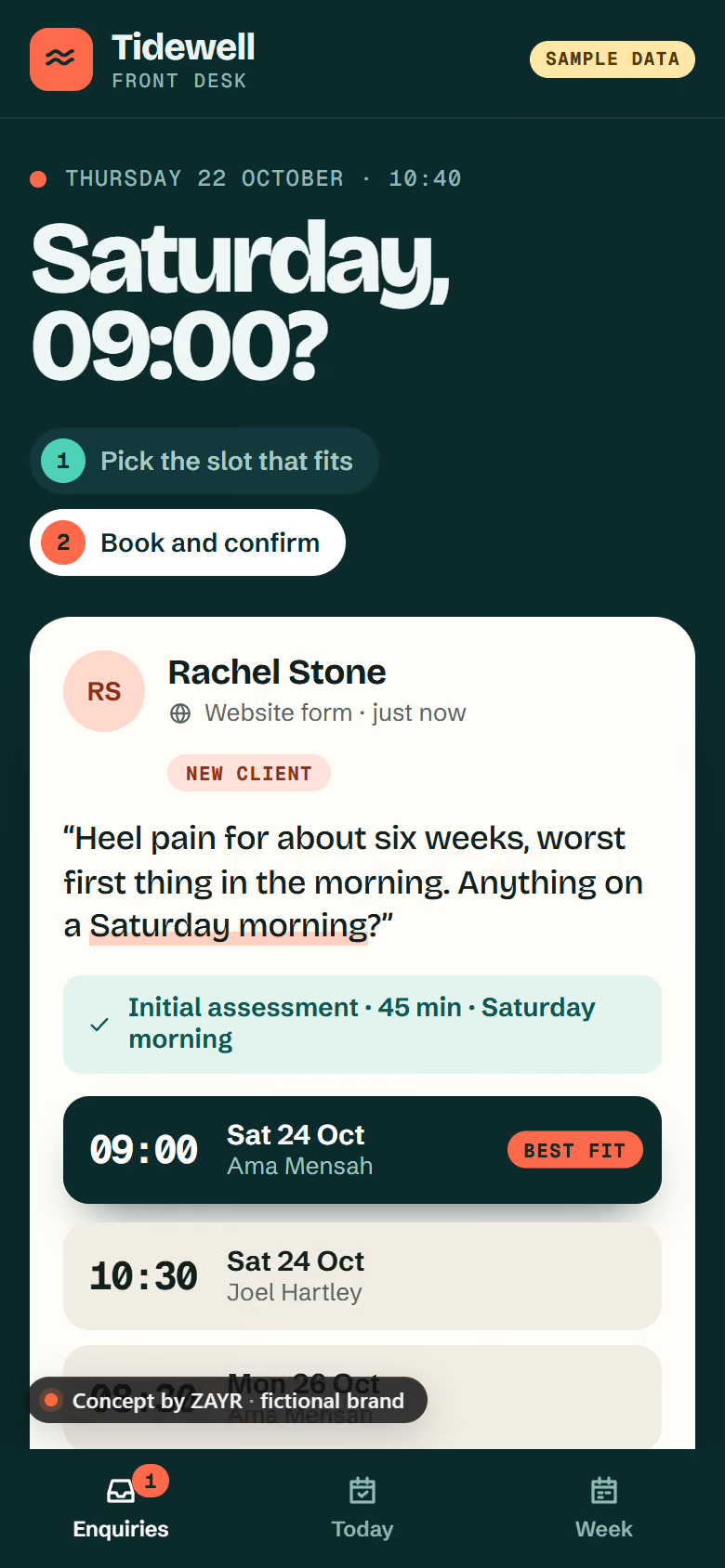
Concept: the Tidewell Front Desk app we designed for a fictional clinic, with sample data. A new enquiry is saved with a reference, the front desk is alerted and a reply is drafted for approval.
Enquiries saved, answered and chased on the tools you already use, with you in charge of every reply.
One enquiryfollowed through, step by step
Showing all five steps.
Sample dataThanks, Sam. It’s with us.Your reference is ZAYR-7K3QXM
RefFromReceivedStatus
InboxThu 09:12
New enquiry ZAYR-7K3QXM [general]Sam Patel · Contact page“Do you have anything free on Thursday morning?”
nowDrafted from your wording · waiting for you
ToSam Patel
Hi Sam, thanks for getting in touch. Thursday morning works. Would 10:00 suit you?
No reply from Sam in 3 daysSend the follow-up you approved?
Demo on sample data. Nothing here is sent or stored.
Where to startthe admin that waits on someone remembering

What we connecttools you already pay for
We build on what you already use. Every connection is confirmed at scoping, before we quote.
Your workflowbuilt and tested with you
Each one confirmed at scoping
£199 one-offoptional monitoring £29 a month
scope fixed in writing firstAutomations we builtExample
£99 a monthplus £499 setup
Managed AI Receptionistanswers forwarded calls, emails you a summary
PackagesWorking withcommunity interest company · ongoing
Versatile digital and technical support across the organisation’s projects, taking on whatever each one needs.
The dealthe same on every build
Anything else? Ask us and we’ll answer in writing.
Tell us the job you keep chasing, by email or a short call. We map how it runs today, then send a written scope and a fixed quote, usually within 2 working days. The build starts once you approve the scope.
Repetitive admin with clear rules: enquiries from your website form and inbox saved in one place, replies drafted for your approval, follow-up reminders, quote chasing, booking reminders and a weekly summary. Where a step needs judgement, you stay in it.
Usually not. We build on tools you already use, such as Google Workspace or Microsoft 365, a shared spreadsheet or your CRM, and confirm each connection at scoping. If a new tool would help, you see its cost before you agree, and the account stays in your name.
One Workflow usually takes 1 to 2 weeks once the scope is agreed; Workflow Growth 2 to 4 weeks and Operations Pro 4 to 8 weeks. The timeline is agreed in writing before we start, and the build is tested on sample data with you before it goes live.
Defects are fixed free for 30 days. After that, One Workflow has optional monthly monitoring; Workflow Growth and Operations Pro include monitoring, fixes when a connected tool changes and small monthly changes (3-month minimum, then 30 days’ notice, no exit fee). Or you run it yourself, with a plain-English note of how it works.
Yes. Start with one job, then add the next when you’re ready. Move from One Workflow to Workflow Growth (up to three workflows) or Operations Pro (up to eight). Larger systems are scoped as a Bespoke Business System.
Tell us the process that depends on someone remembering. We’ll say if it’s worth automating, then send a fixed quote.